What is AI motion transfer?
AI motion transfer takes the movement from one video — a dance, a workout, a gesture — and applies it to a different person or character from a single still image. Genjutsu estimates the full-body pose, hands and head orientation in every frame of your reference clip, then synthesizes new frames of your character performing that exact motion while keeping their identity, clothing and art style consistent.
How is motion transfer different from face swap?
Face swap replaces only the face in an existing video; the original body, clothes and movement stay the same. Motion transfer generates an entirely new video of your character, head to toe, performing the reference motion. Genjutsu does both, plus a third mode — character swap — that replaces the whole performer while keeping the original background, camera move and lighting.
What do I need to upload?
One clear, full-body photo of the character (JPG or PNG, at least 340px on the short side) and a reference video between 3 and 30 seconds (MP4 or MOV, up to 100MB). For face swap, a front-facing portrait is enough. You can also skip the video upload and pick a move from the built-in dance library.
Does it work with anime, 3D and illustrated characters?
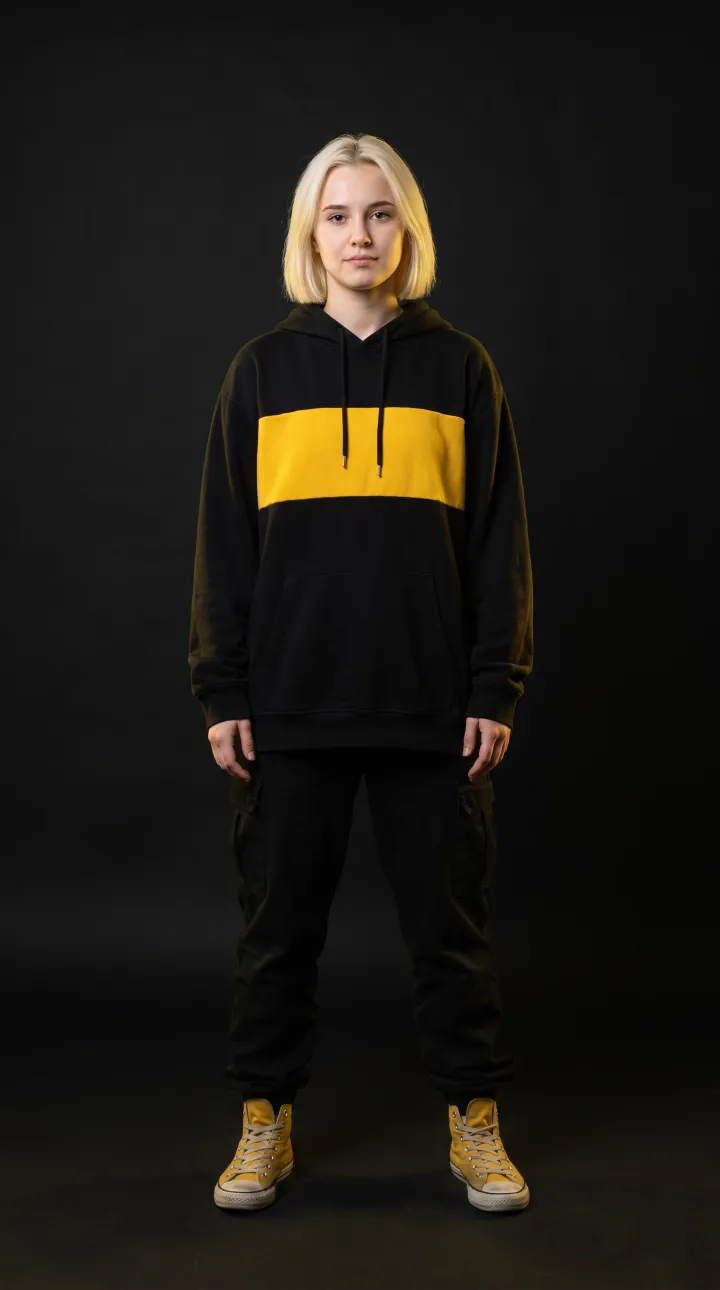
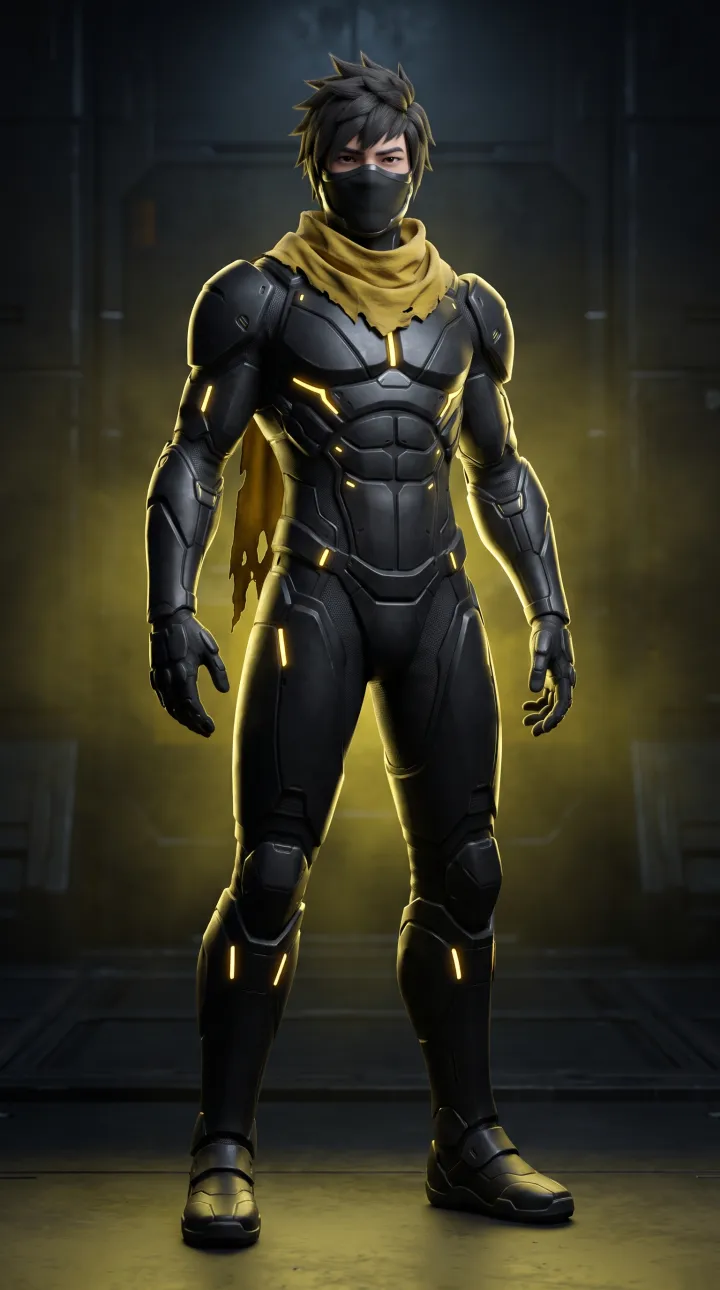
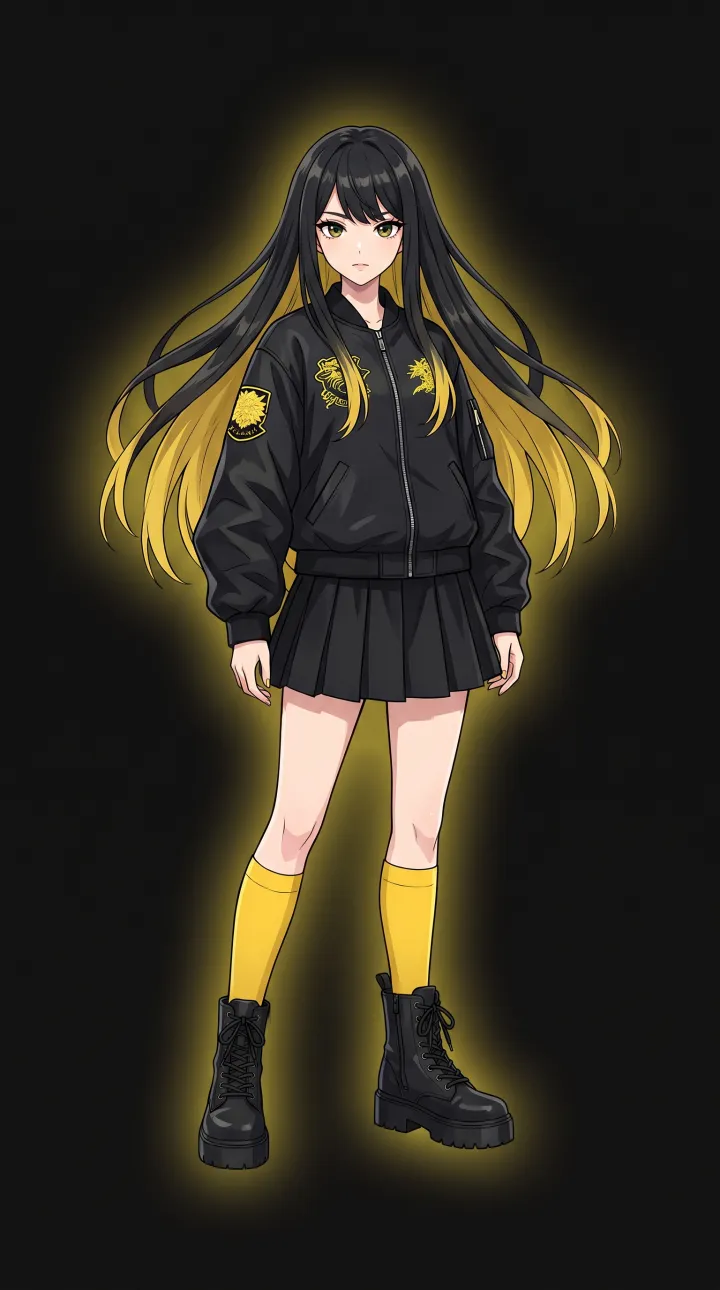
Yes. Genjutsu is style-preserving: photoreal photos stay photoreal, 3D renders stay 3D, and anime or cartoon art keeps its line work and cel shading. The showcase above includes a photoreal dancer, a 3D cyber ninja and an anime idol, all driven by the same reference choreography.
How long can a generated video be?
Each render can be up to 30 seconds when the character follows the orientation of the reference video, or up to 10 seconds when the character keeps the orientation of the source photo. Longer performances — full songs of three to five minutes — are produced by chaining shots with a shared identity lock so the character never drifts between segments.
What resolution and frame rate do I get?
Standard renders are 720p; Pro renders go up to 1080p. Output follows the frame rate of your reference clip (typically 24–30 fps) and is delivered as an H.264 MP4 that plays everywhere, with an option to keep the original audio track.
Is it legal and safe to swap faces?
Only animate people who have given you permission — yourself, your talent, or characters you own. Genjutsu blocks uploads of public figures, adds an invisible watermark and C2PA content credentials to every render, and never uses your uploads to train models. See the Responsible AI section for the full policy.
Is there an API?
Yes. Every mode in the studio is available through a REST API with webhooks, so you can batch-render hundreds of personalized dance videos for campaigns, games or apps. Request early access to get API keys.