Motion transfer guide

A Higgsfield alternative for AI motion transfer.

Motion transfer takes the moves from one video and puts them on anyone in a photo. Scrub through real renders frame by frame to see exactly what changes — and what doesn’t — then learn how the pipeline works.

Input
1 photo + 1 clip
Clip length
3–30 s
Styles
Photo · 3D · Anime

Space play / pause · ←→ step one frame

genjutsu.co/inspect Live
Reference motion
Generated
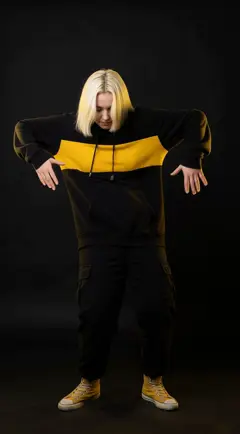
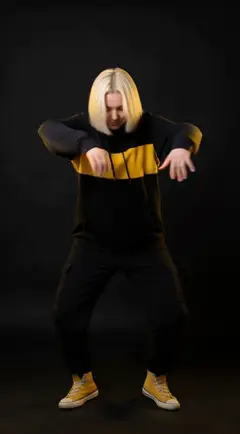
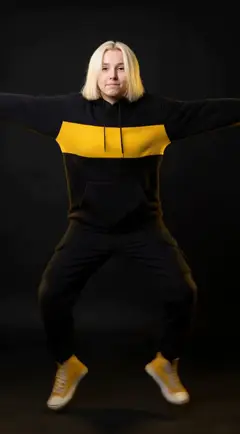
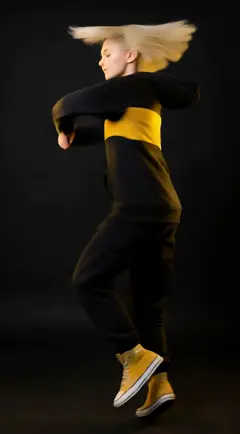
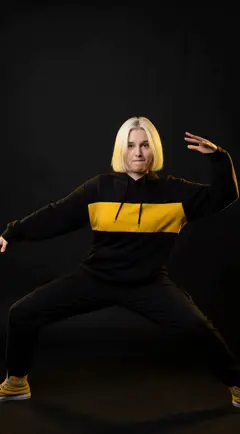
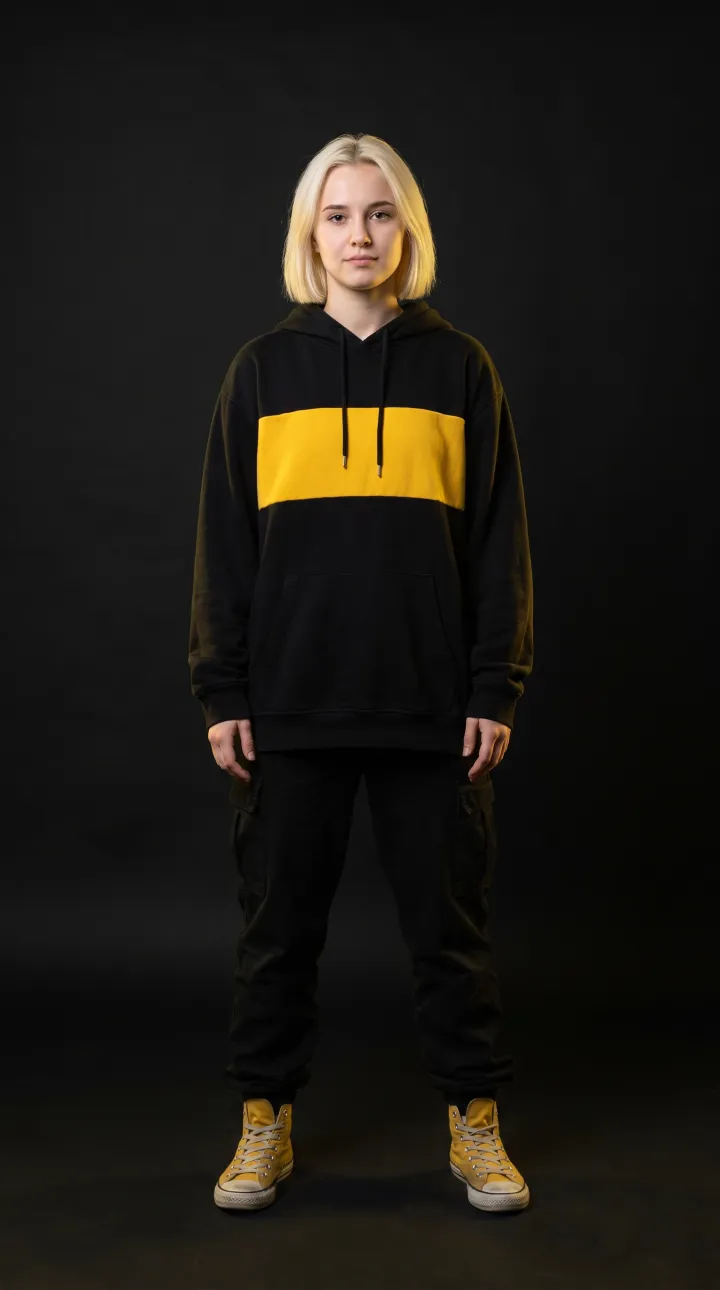
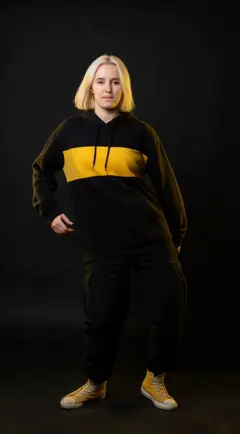
Source photo: Street dancer
00.0 / 10.0s
Street dancer · Photoreal · 1 photo inSync drift 0 ms
How motion transfer works

From one photo to a full performance, in four stages.

Every modern motion transfer system — whichever tool you use — follows the same basic pipeline. Step through it below with a real render: the street dancer from the inspector above.

BodyHandsHead & face
Input · reference clip

Read the motion, ignore the dancer

Pose tracking

The reference video is analyzed frame by frame to estimate a skeleton: body joints, hand and finger positions, head orientation and facial landmarks. Everything about how the dancer looks — clothes, skin, the room — is discarded. Only the movement survives.

Why it matters
Clean pose data is the ceiling on quality. A missed hand or a left/right limb swap here turns into a glitch in the final video.
Tip
Use a locked-off shot with the whole body in frame and nothing crossing in front of the dancer.
Before you upload

The reference clip decides most of the result.

The engine can only transfer motion it can see. Five minutes choosing the right clip saves five re-renders.

Works great

  • Locked-off camera with a single performer
  • Whole body in frame, feet included
  • Even lighting and an uncluttered background
  • 3–30 seconds at a moderate tempo
  • Photo and clip framed the same way (full body ↔ full body)

Causes artifacts

  • Handheld, panning or zooming camera
  • Several dancers, or people crossing in front
  • Hands or feet leaving the frame
  • Very fast moves with heavy motion blur
  • Long coats or props hiding the body’s shape
Choosing a tool

What to look for in a motion transfer tool.

Whether you are evaluating Higgsfield, Genjutsu or anything else, these six checks separate a demo reel from a tool you can ship with. Use the inspector at the top of this page to judge them on real output.

  1. 01

    Identity consistency

    Face, hair and outfit should survive spins and turns. Test with a clip that includes a full rotation — that is where weaker tools morph.

  2. 02

    Hand & finger fidelity

    Hands are the hardest part of any body. Look closely at waves, points and claps; extra or fused fingers are the most common artifact.

  3. 03

    Style preservation

    Anime should stay anime and 3D should stay 3D. Check that line art, shading and materials hold up instead of drifting toward a generic “AI look”.

  4. 04

    Length & resolution

    Check the maximum seconds per render and whether 1080p is available. Longer songs need shot chaining with a stable identity across cuts.

  5. 05

    Scene control

    You should be able to change the location, lighting and camera with a prompt without touching the choreography from the reference clip.

  6. 06

    Consent & labeling

    Look for clear rules on whose likeness you can use and for outputs that are labeled as AI-generated. Good tools make the safe path the default.

FAQ

Motion transfer, answered.

Common questions from people comparing AI motion transfer tools.

Is Genjutsu affiliated with Higgsfield?

No. Genjutsu is an independent product and is not affiliated with, sponsored or endorsed by Higgsfield. Higgsfield is a trademark of its respective owner; we mention it only to help people who are comparing AI motion transfer tools.

What is motion transfer in AI video?

Motion transfer takes the movement from a reference video and applies it to a different person or character defined by a single image. The system tracks the pose in every frame of the reference, encodes the identity from the photo, and synthesizes a new video of that character performing the same motion.

How long does a motion transfer render take?

Usually a few minutes per clip. The four 10-second showcase renders on this page each took roughly 7–11 minutes at the highest quality setting. Shorter clips and standard quality finish faster.

What makes a good reference video?

A still camera, one performer, the whole body in frame including the feet, even lighting and a clip between 3 and 30 seconds. Avoid handheld footage, crowds, and moves so fast they blur.

Can I use any dance video from TikTok or YouTube?

Only footage you have the right to use. Recordings are copyrighted and the people in them have rights over their likeness. Record the reference yourself, use licensed clips, or start from a built-in dance library.

Does motion transfer work on anime and 3D characters?

Yes. The inspector above includes a 3D-rendered cyber ninja and a cel-shaded anime idol driven by the same K-pop reference. A good system keeps the source style instead of turning everything photoreal.

Higgsfield is a trademark of its respective owner. Genjutsu is not affiliated with, sponsored or endorsed by Higgsfield; the name is used here for identification only.